Features
2026.1 New Features
Latest update on 2026-10-07
Key Features

GPU Simulation Everywhere
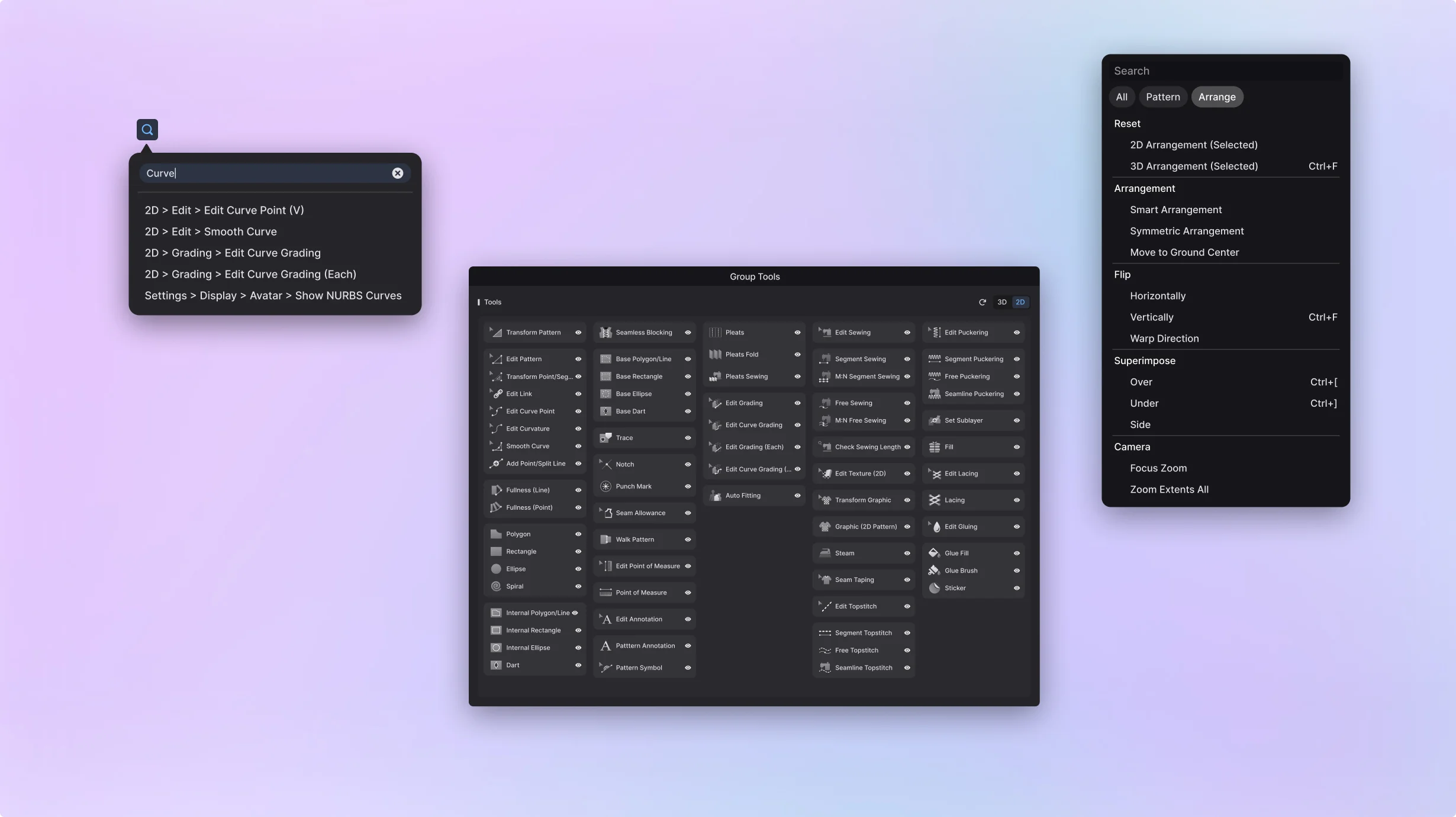
Simulation now runs natively on Apple Silicon Macs, with full support for every feature including trim and soft body. It's now the default on every platform, for faster, more consistent results.
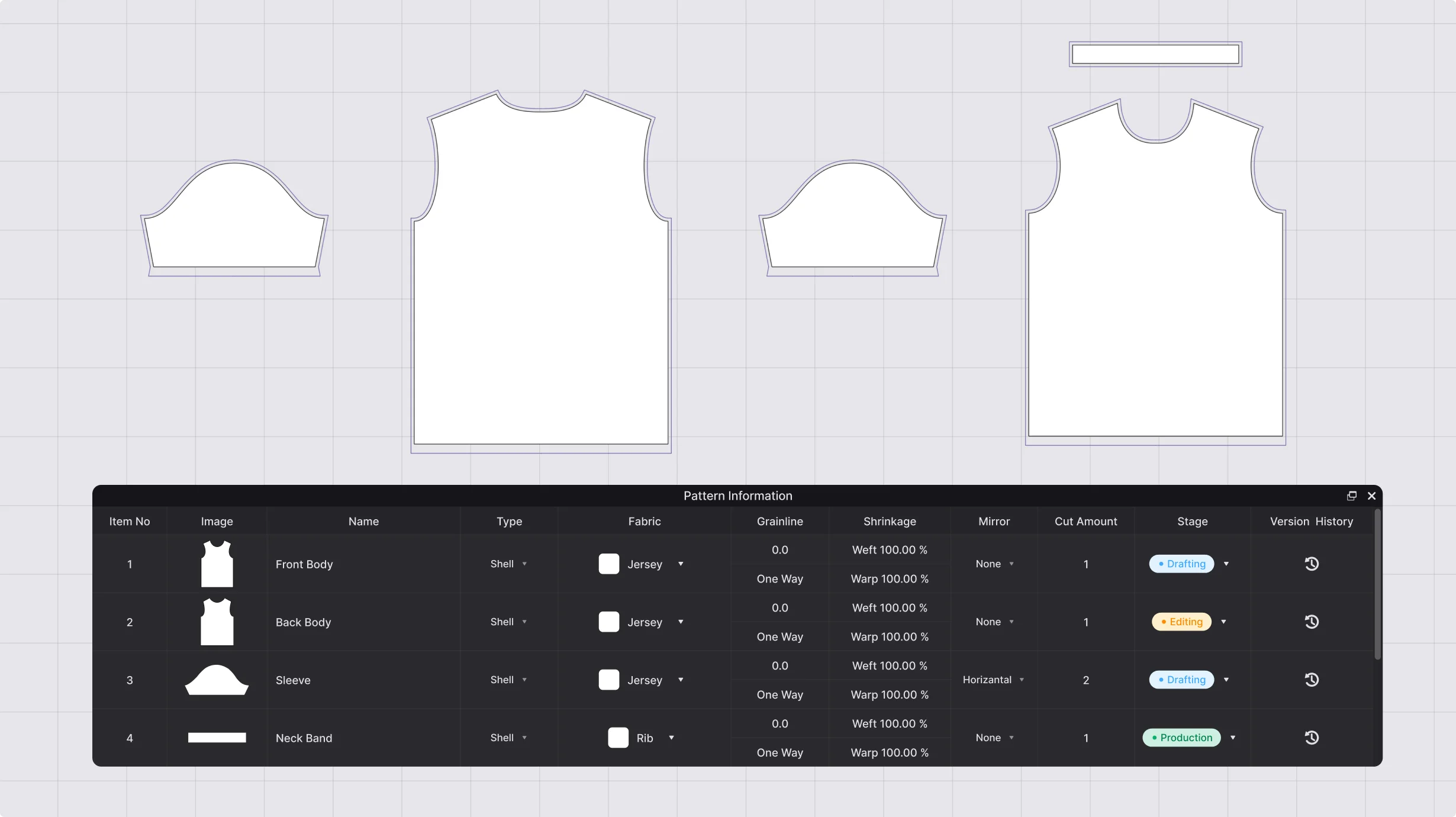
Other Features
Latest update on 2026-10-07
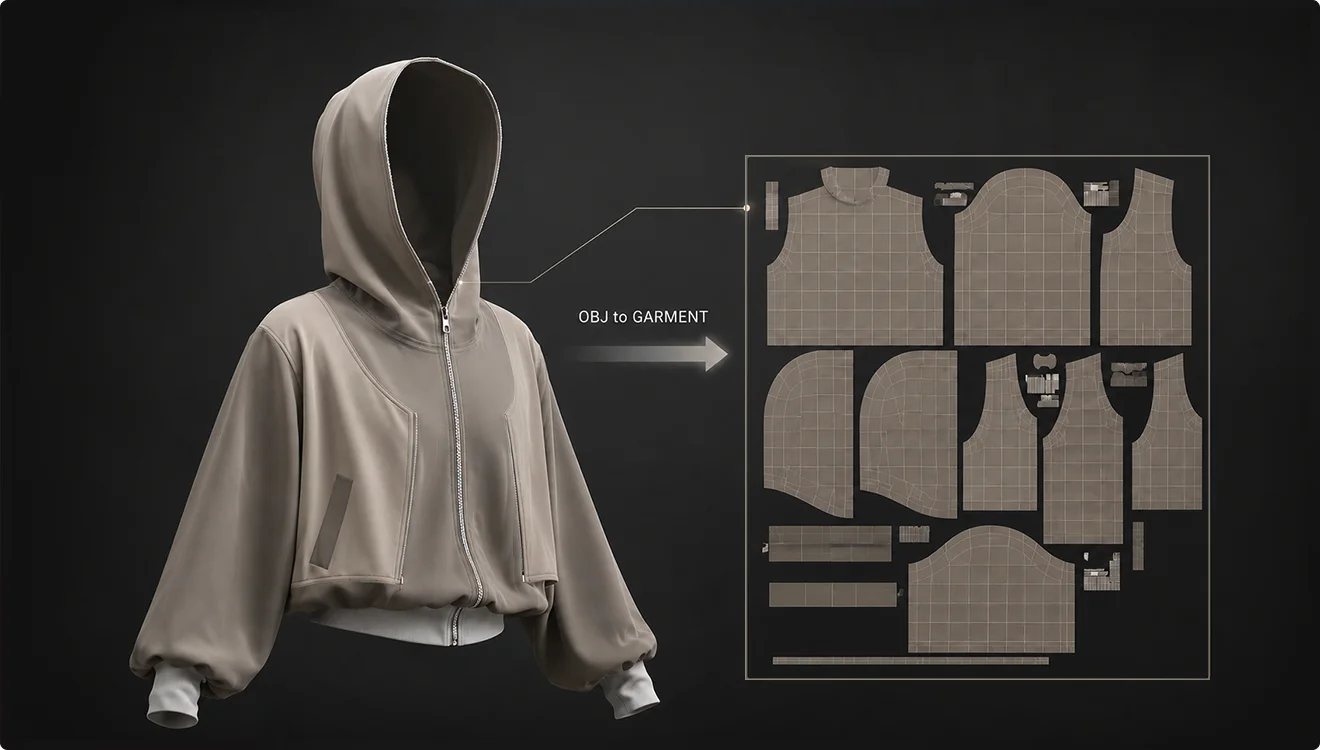
OBJ | Maintain UV
Keep the original UV and material information when importing an OBJ file as a garment.
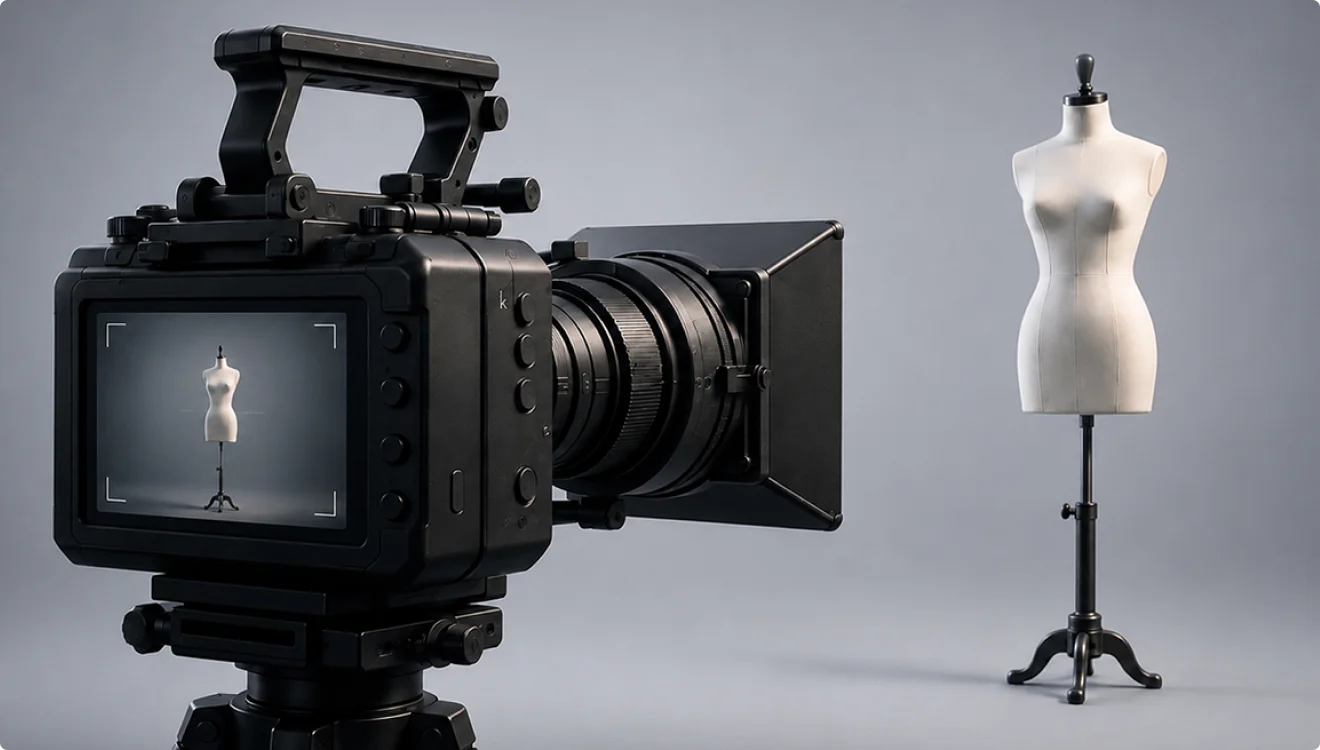
Keep the same camera composition by transferring camera data between FBX and glTF/GLB files.
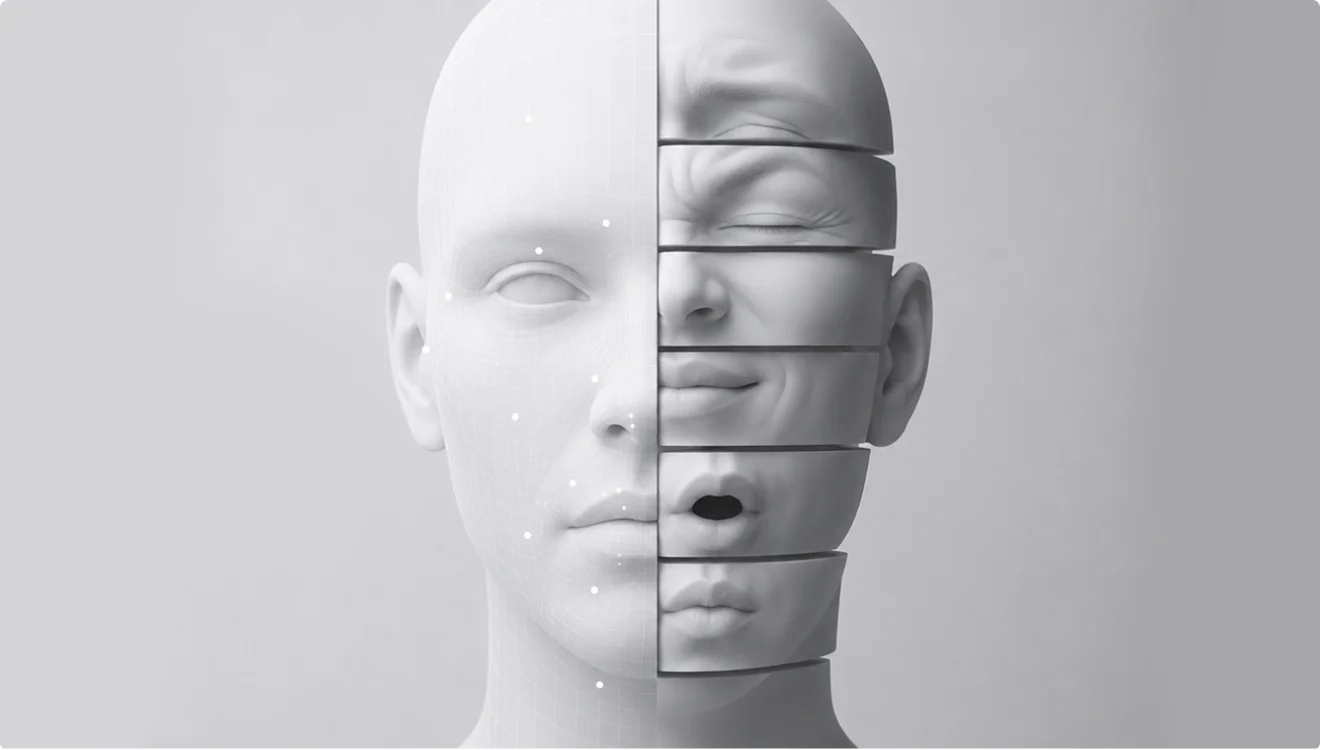
Record an avatar's changing blend shape values as animation keyframes to bring movement and shape changes to life.
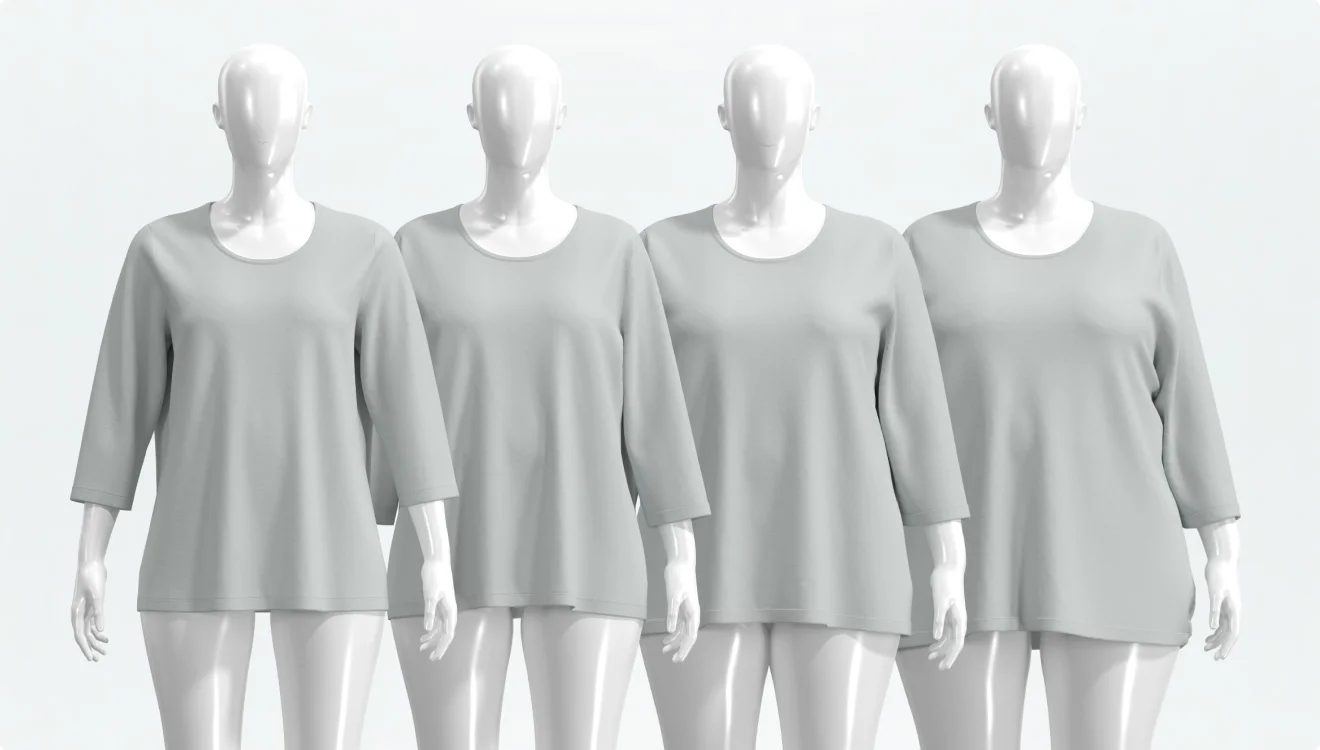
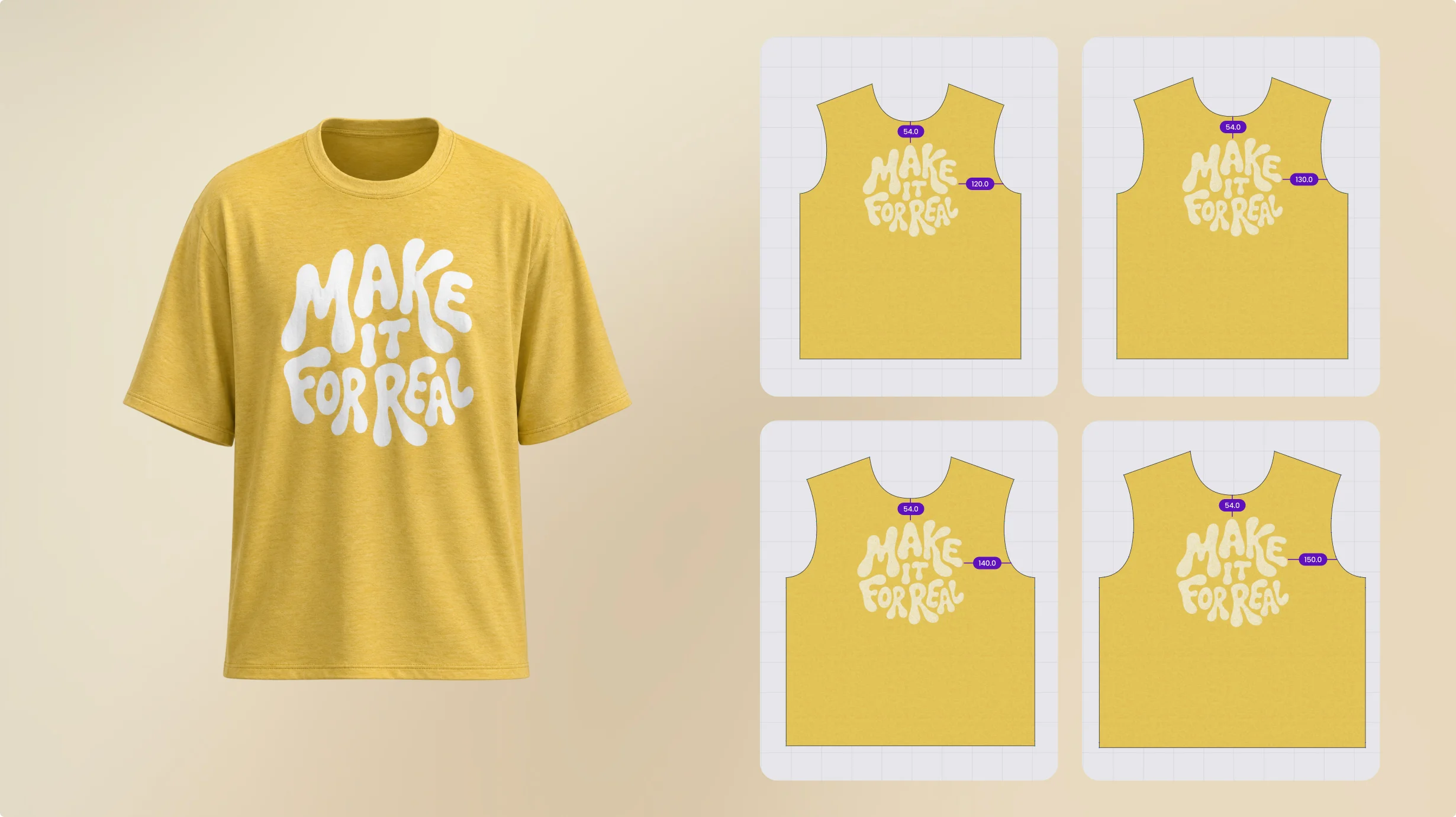
Select specific grading sizes and render them all at once.
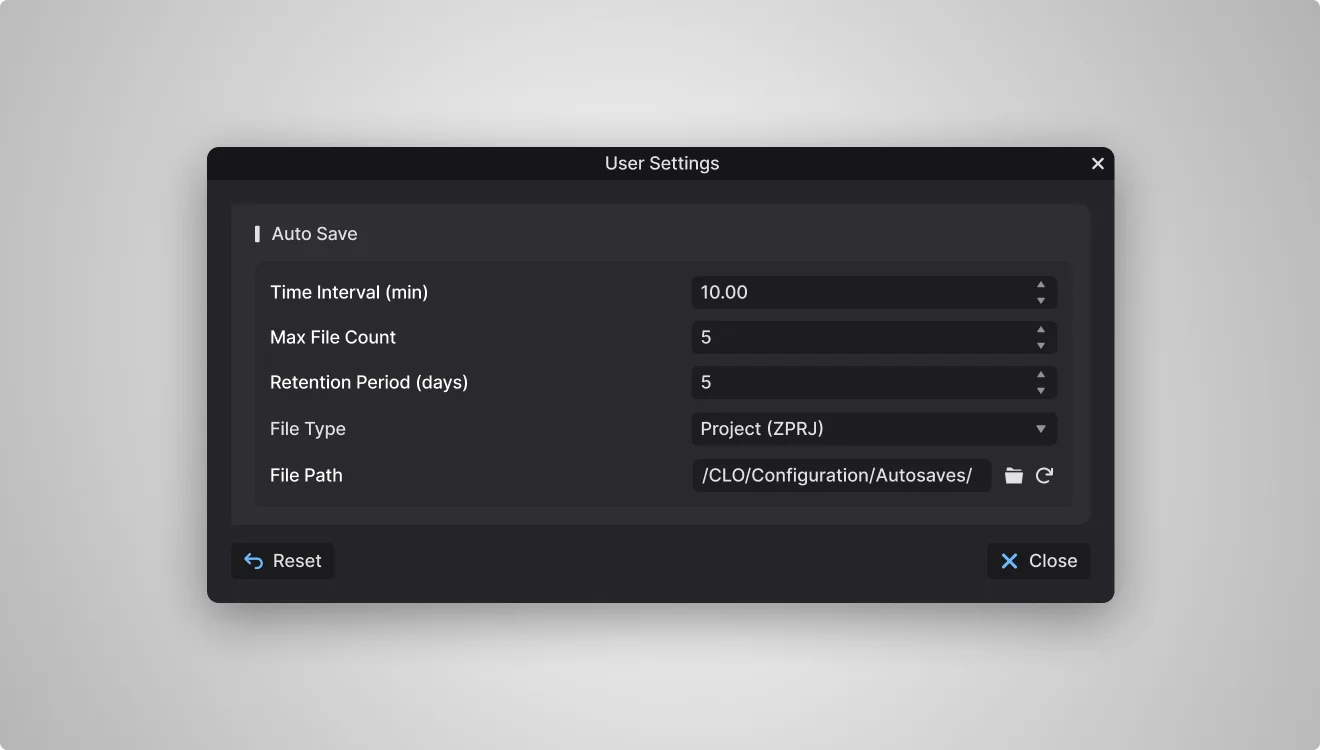
Automatically save your work over time so you can easily restore it to any earlier point.
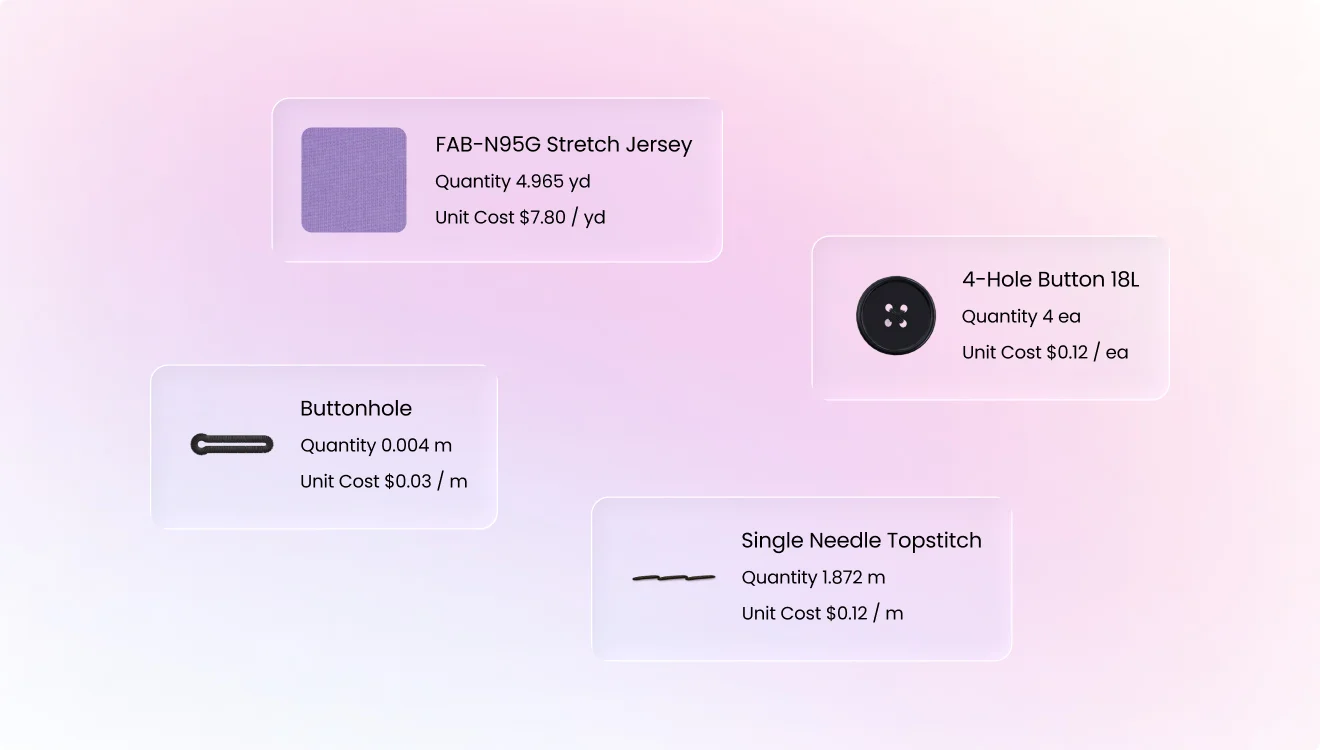
Manage cost information for each material and trim, then carry it through to your BOM and Tech Pack.
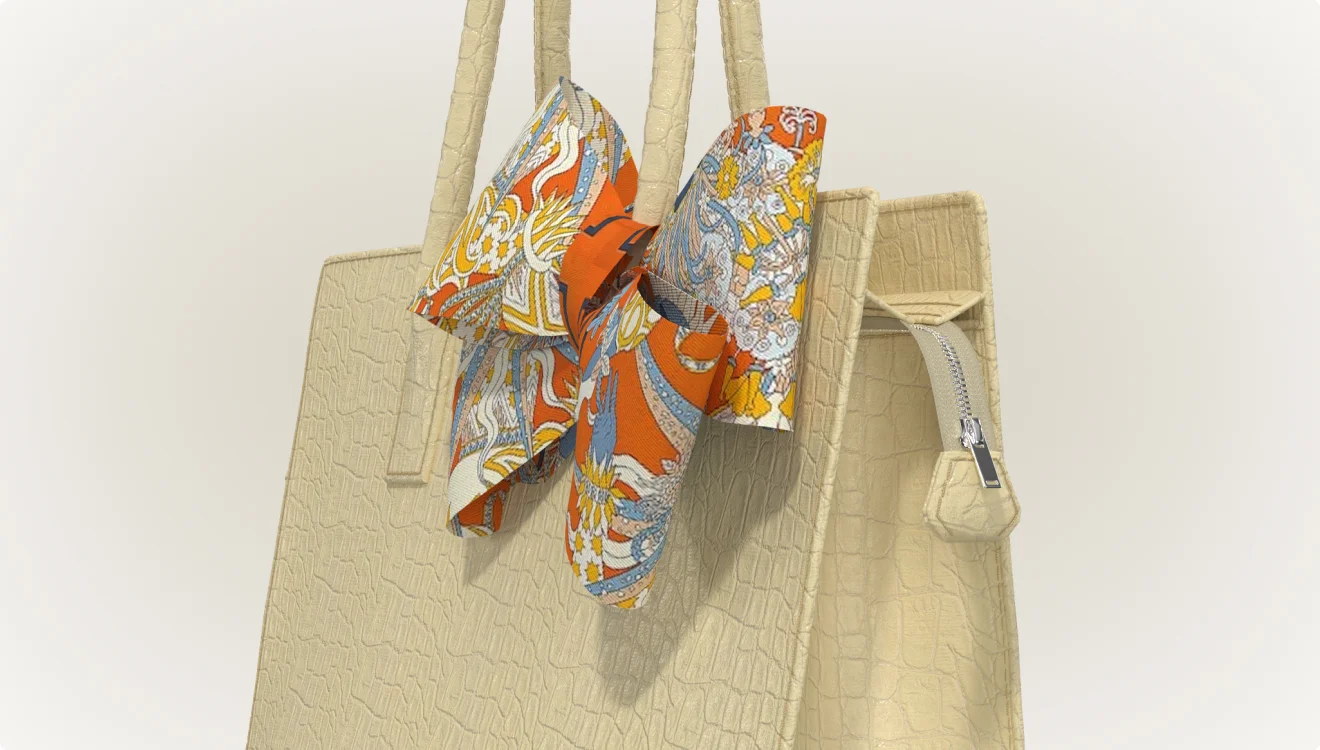
Extend the zipper tape to connect curved or diagonally finished ends without gaps. Create and edit its sewing and internal lines directly in the 2D window.
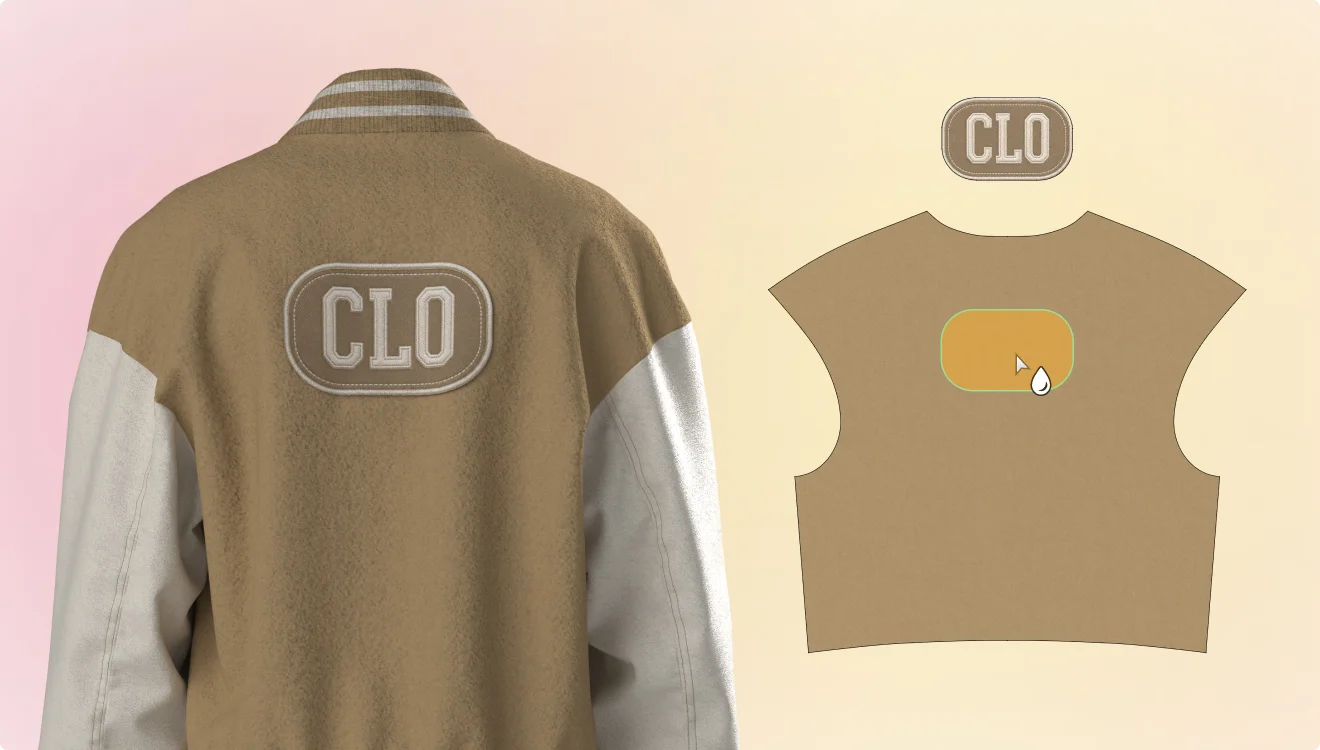
Fine-tune the shape and position of glued patterns.
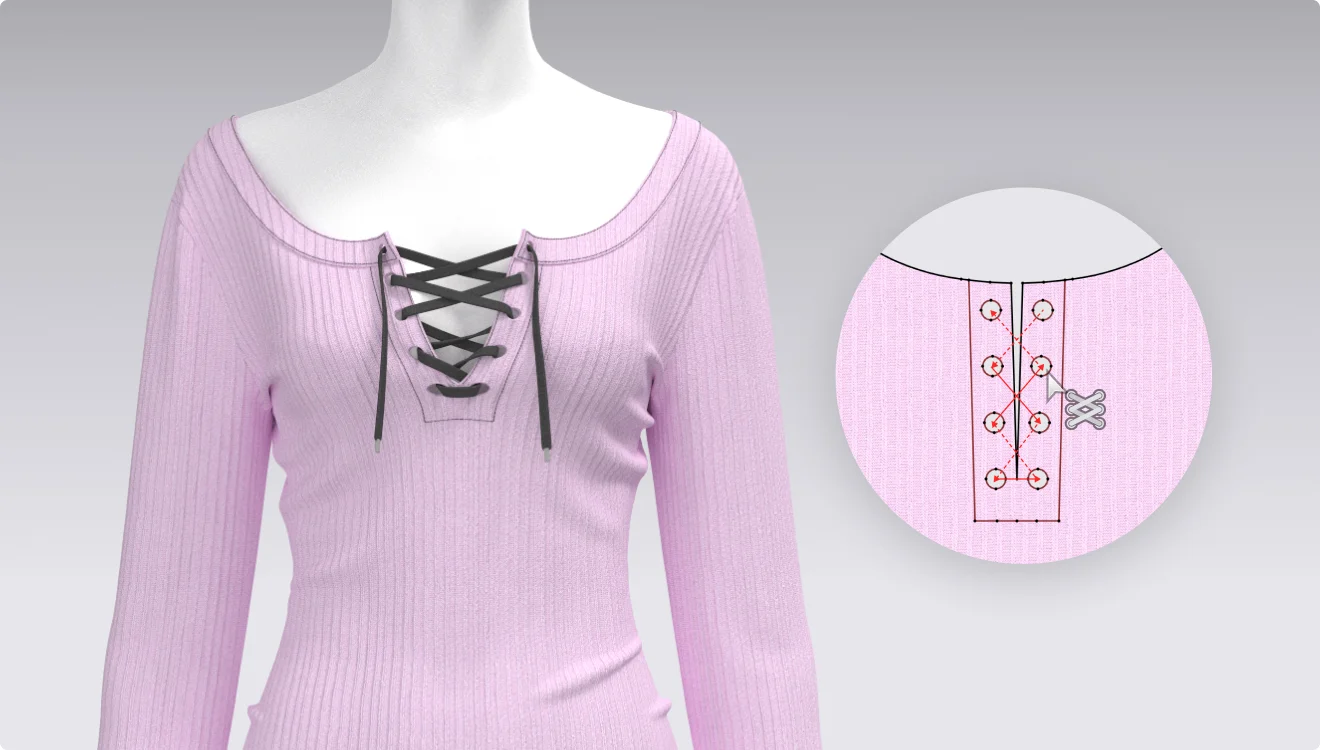
After lacing, adjust the direction and curvature to edit laces into the exact shape you want.
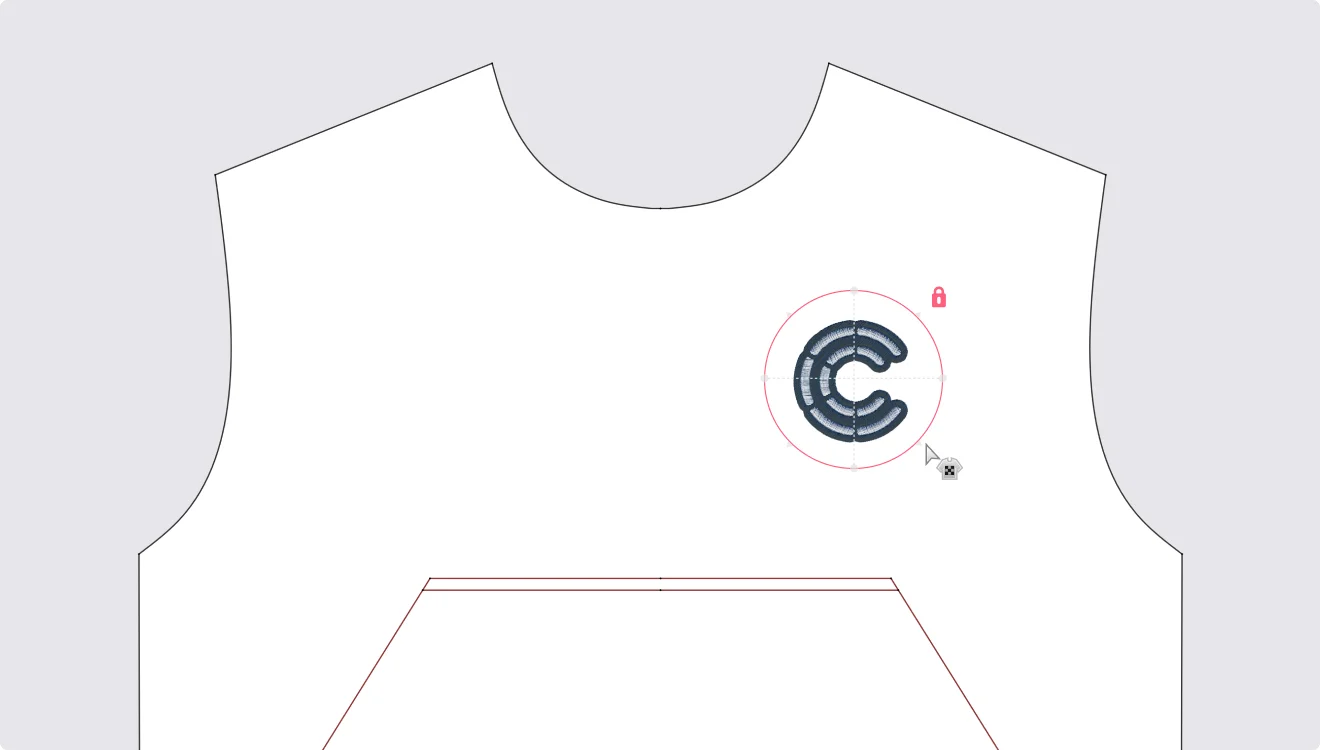
Lock graphics in place so their position and size can't be changed unintentionally.
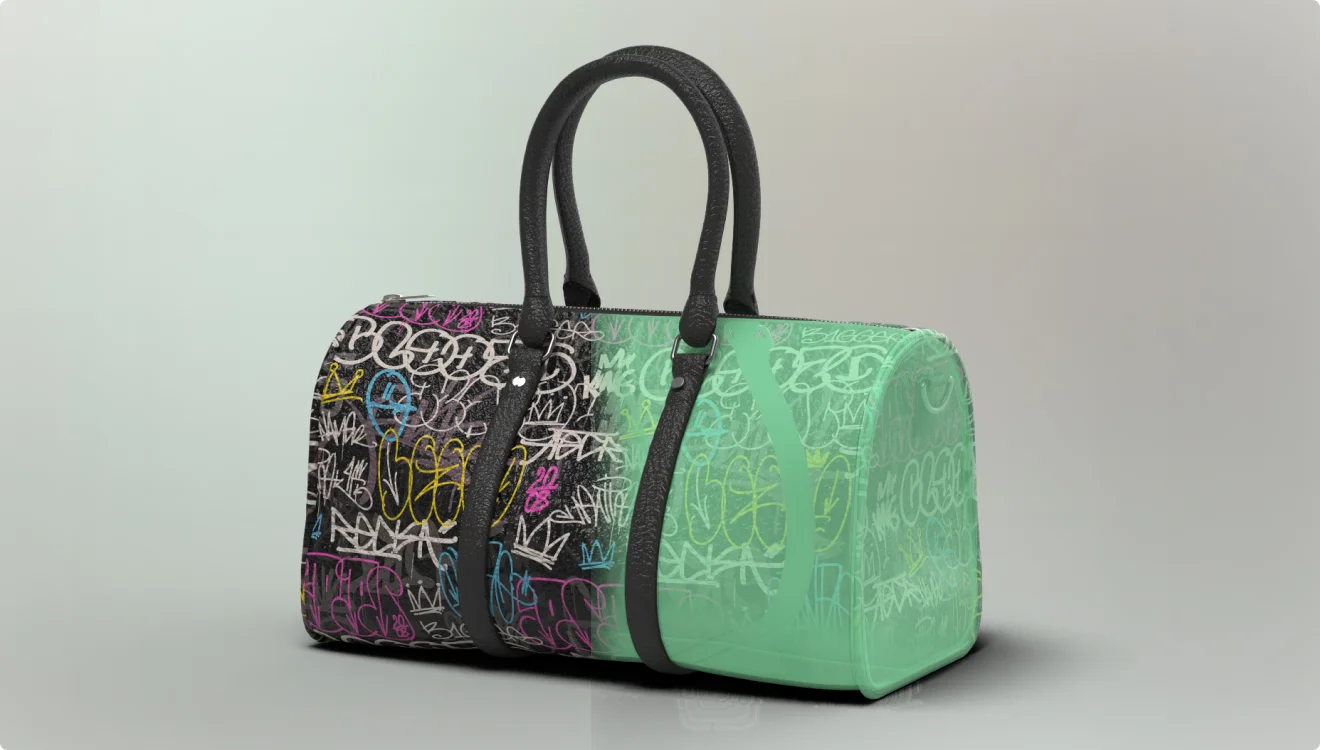
Measure a bag's interior volume to check its storage capacity.
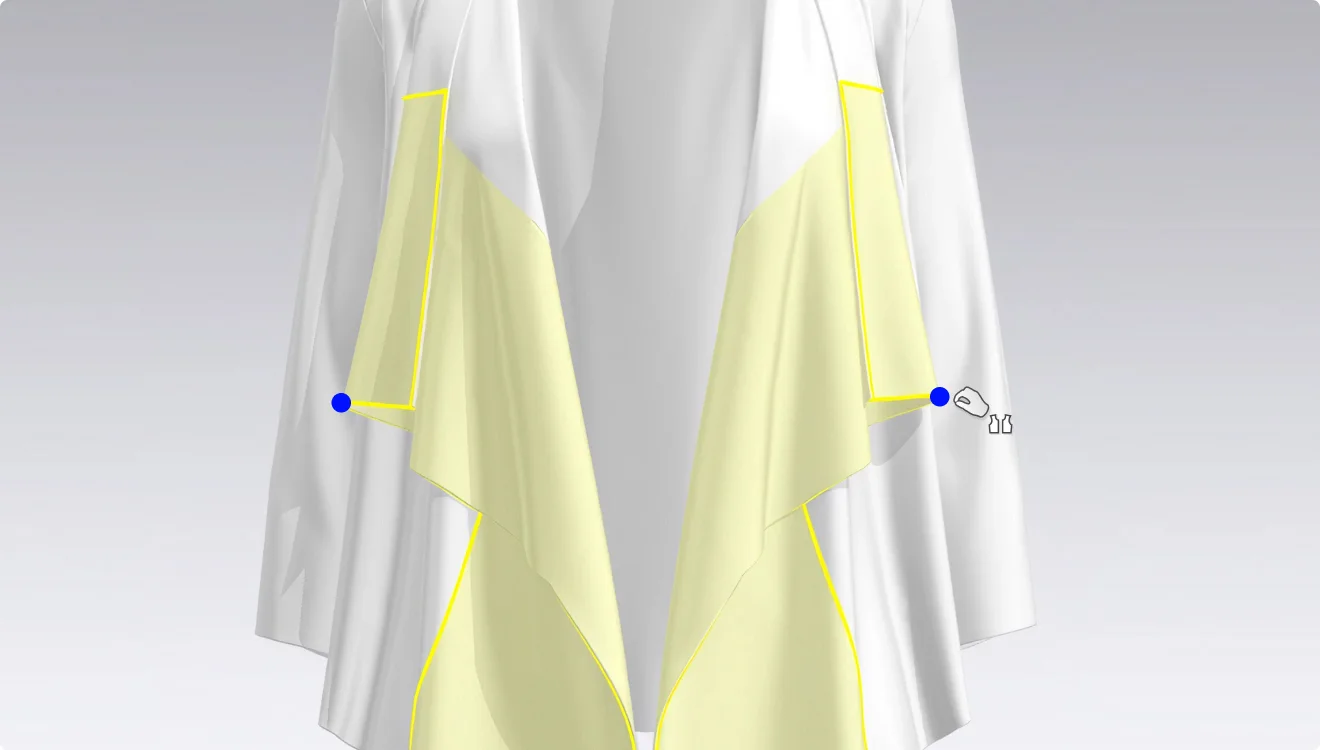
Pinch garments on both sides at the same time during simulation
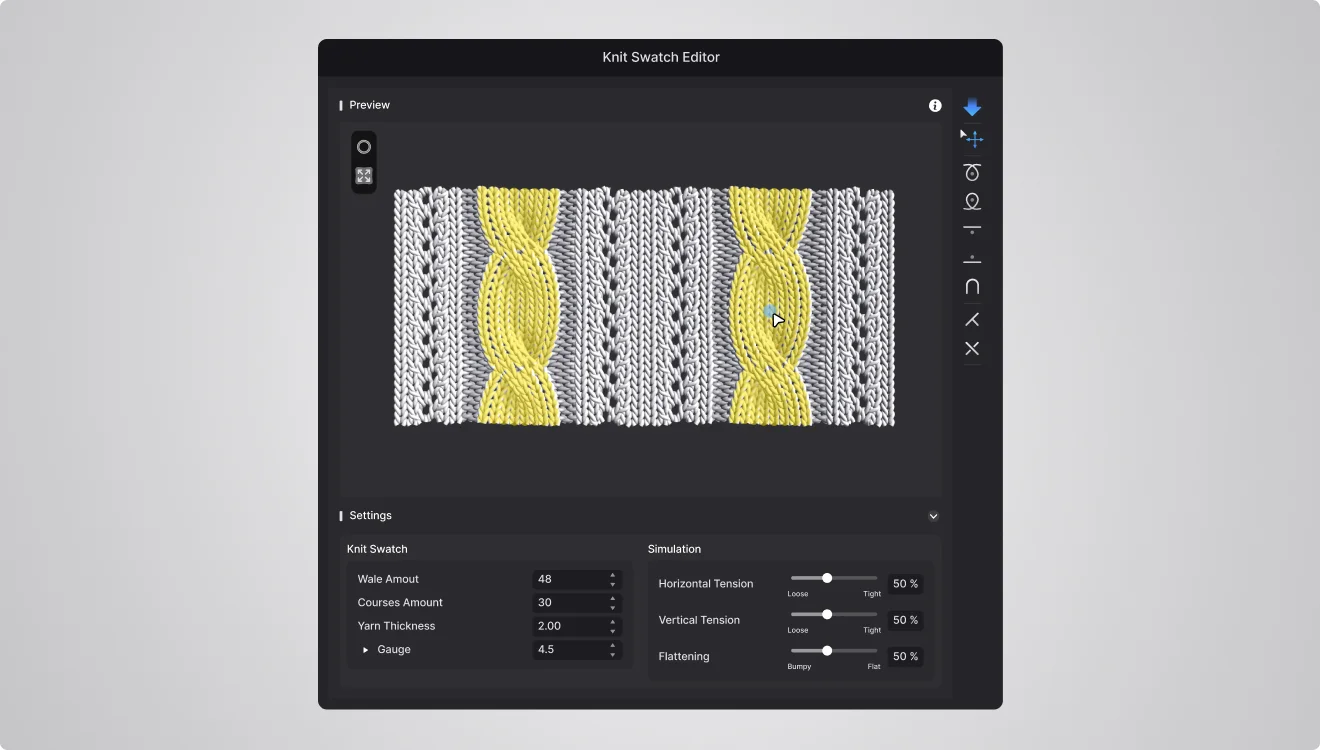
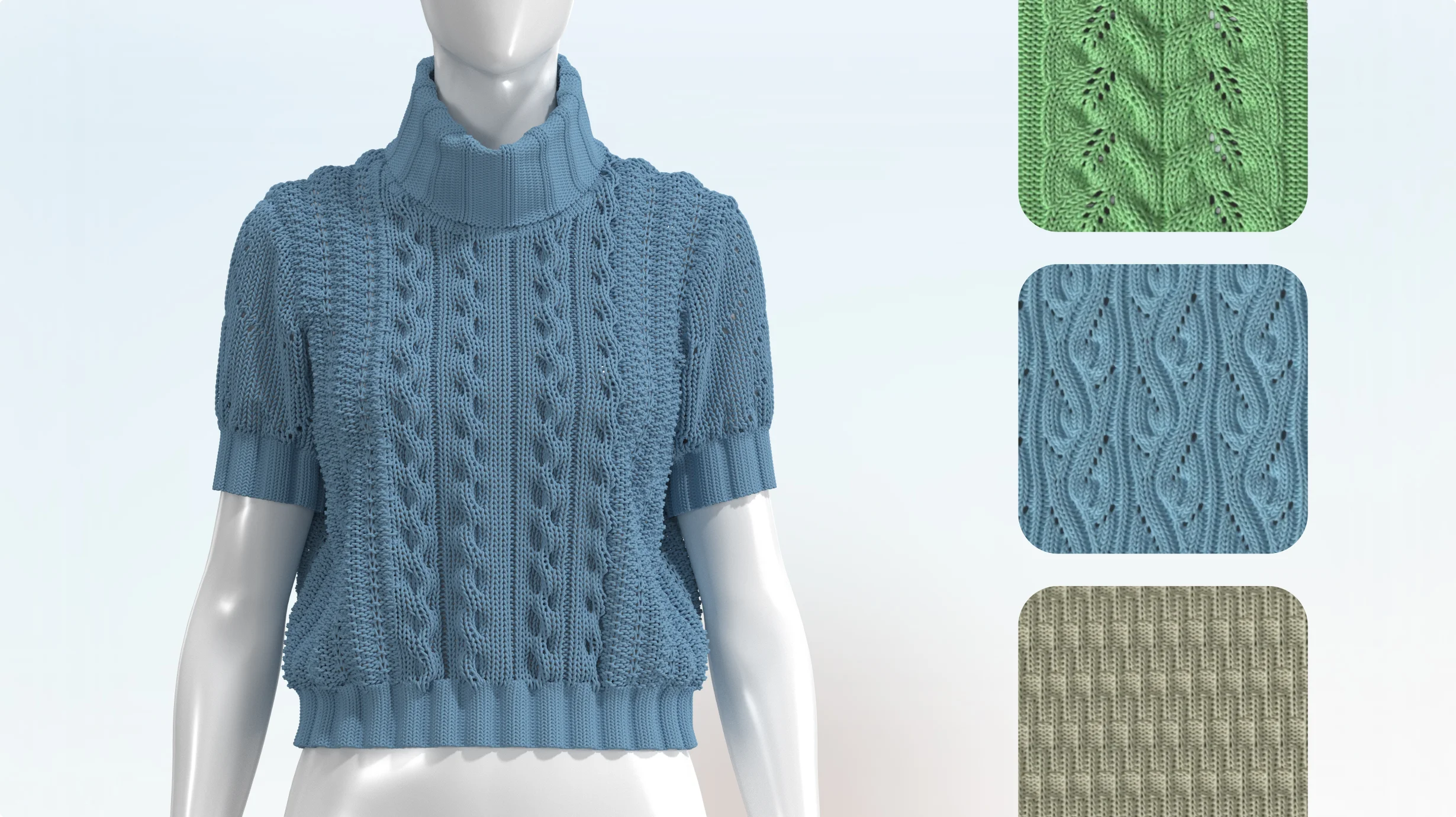
Design knit swatches with improved selection, editing, and simulation tools in the Knit Swatch Editor.
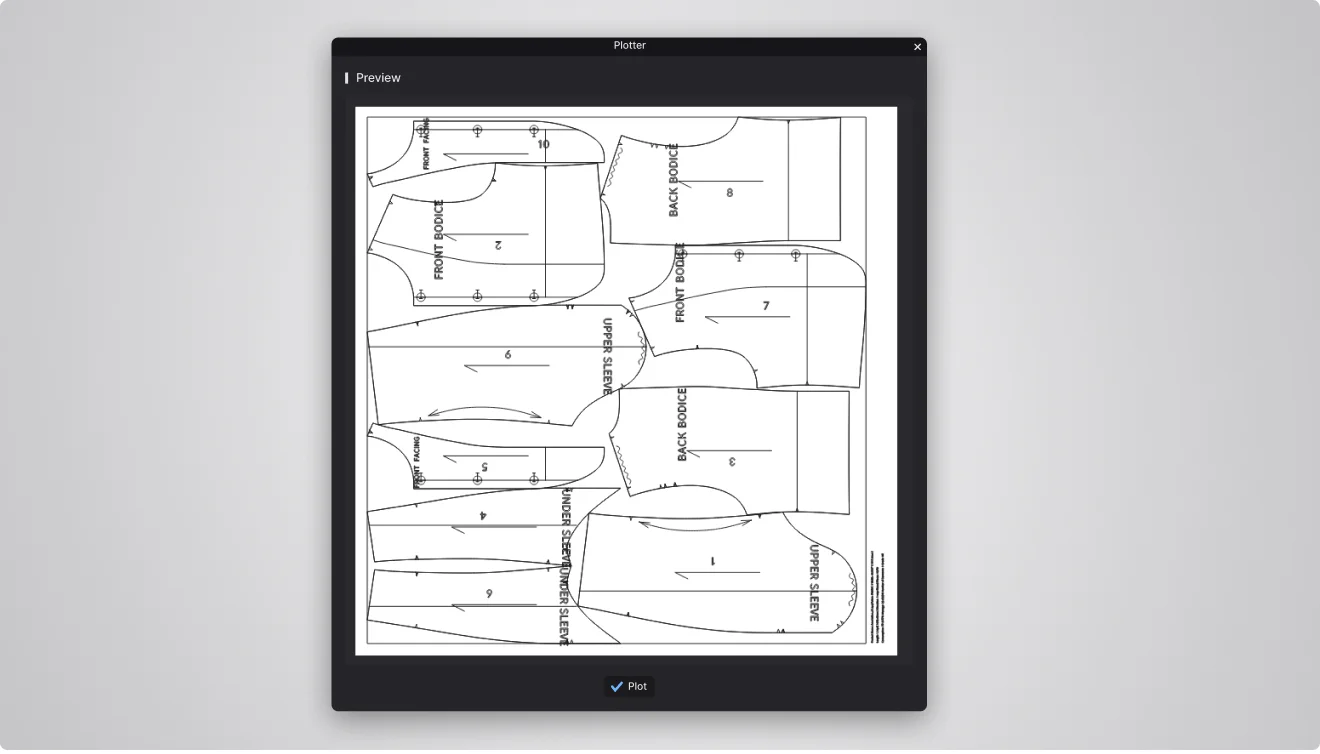
Auto-arrange pattern information labels and preview the final result before sending it to the plotter.
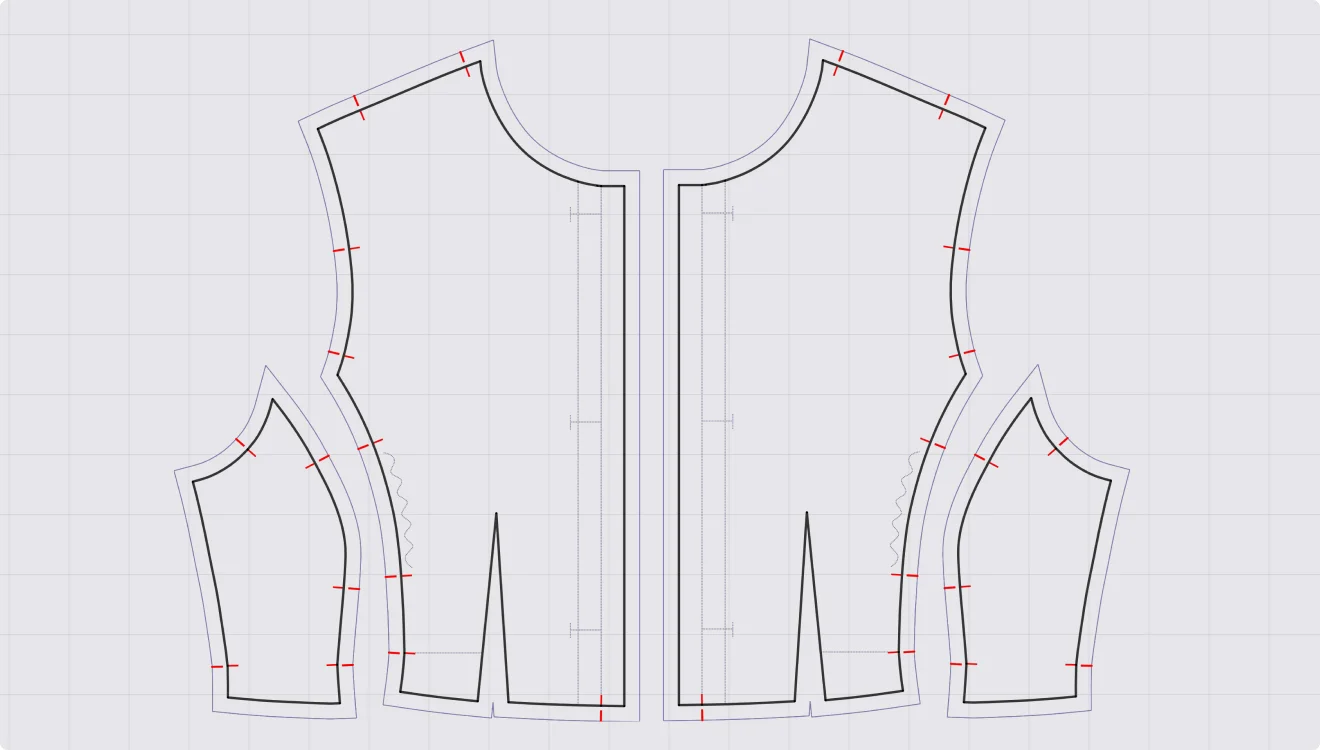
Import notches onto the pattern outline, the seam allowance, or both when loading a DXF file.
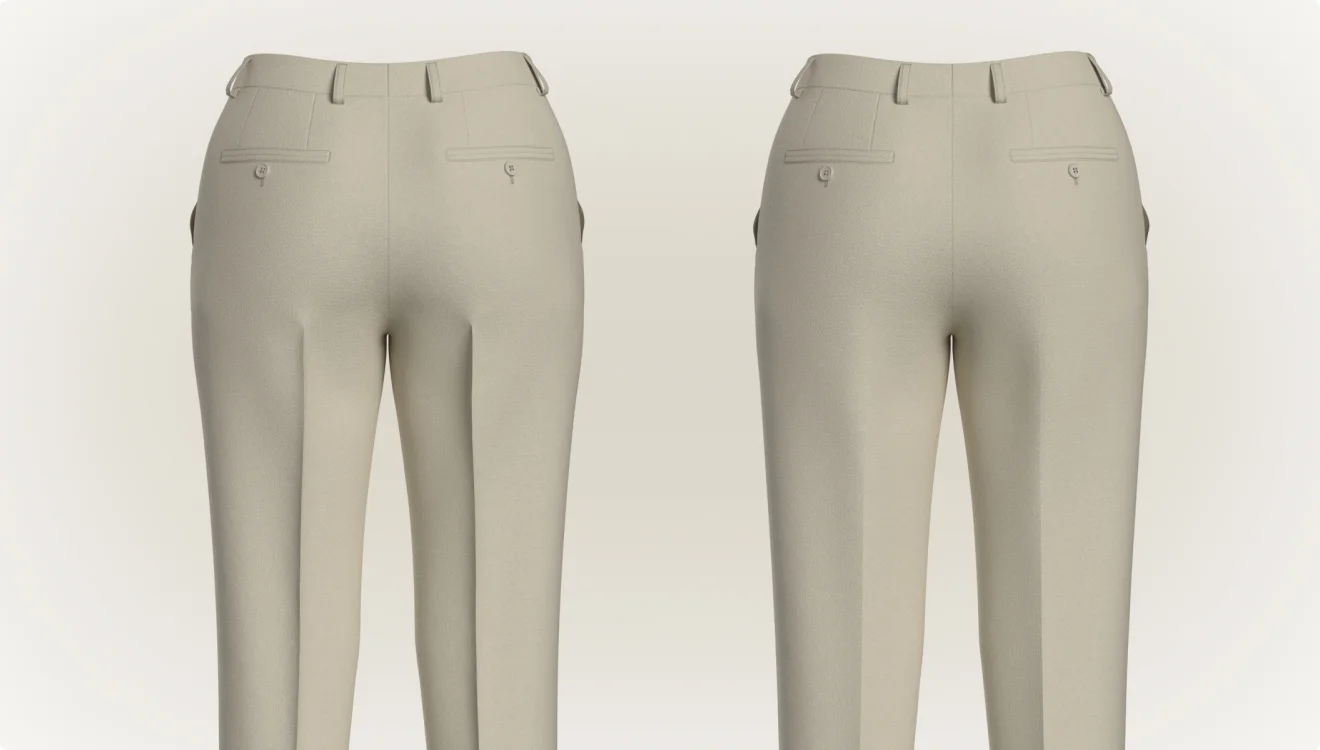
Create beautiful, natural folds by setting the angle at a single end of an internal line.
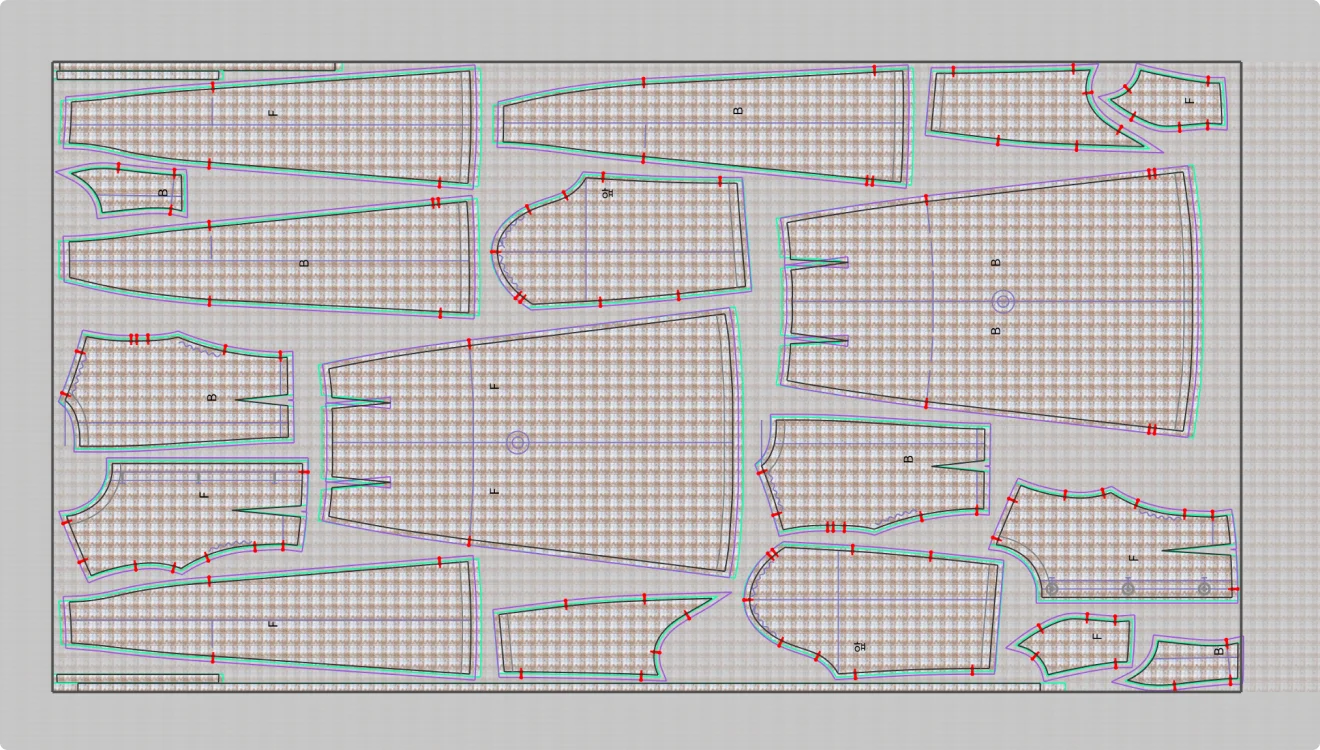
Nest more flexibly and precisely with fabric-based production shrinkage, horizontal markers, directional buffer spacing, and manual nesting.
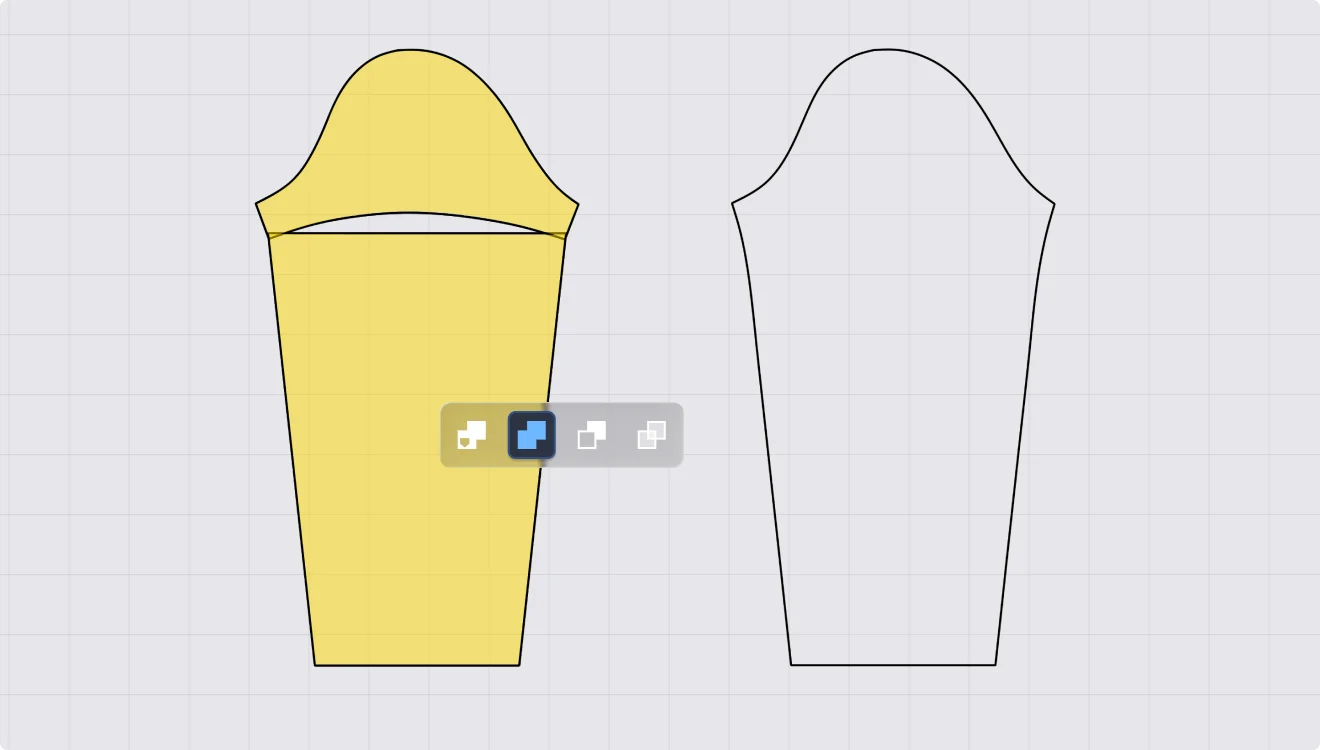
Create a wider variety of pattern shapes with new Fill, Trim, and Slice options based on overlapping areas.
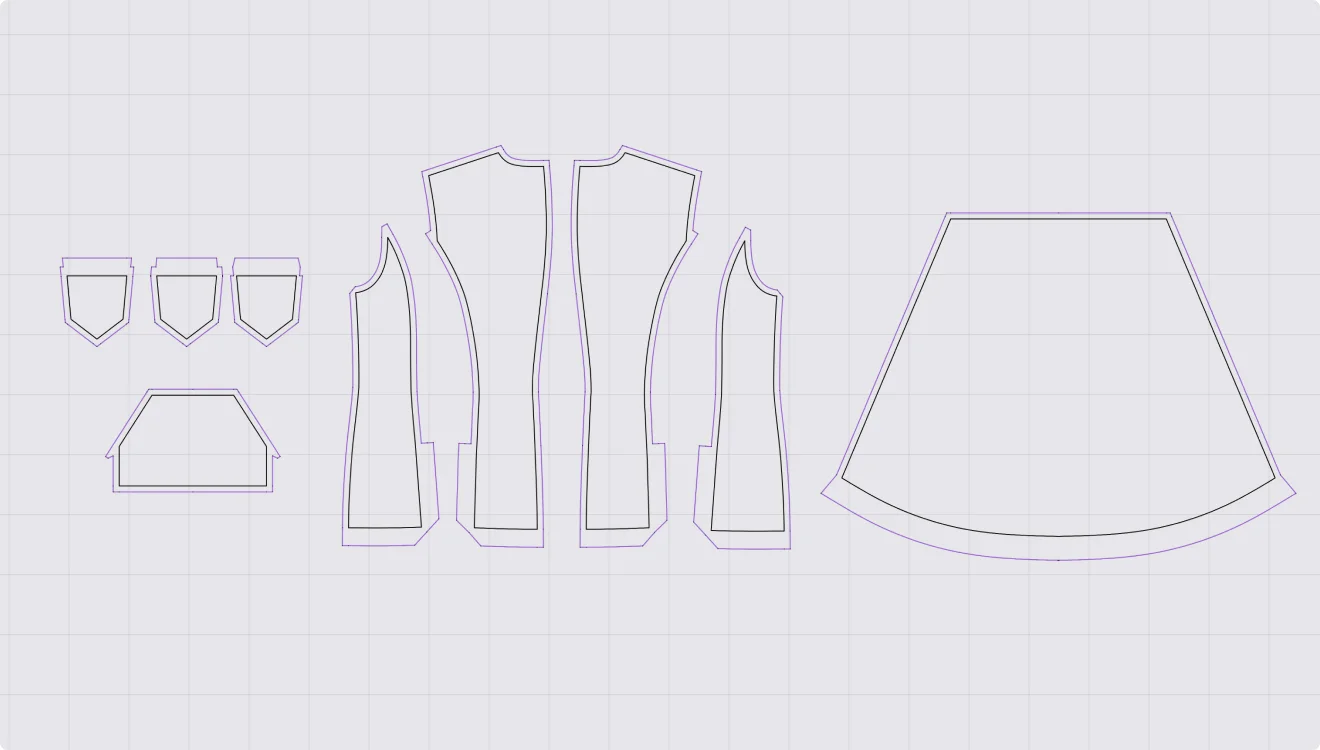
Edit seam allowances into any shape you need, with a wider range of corner options.
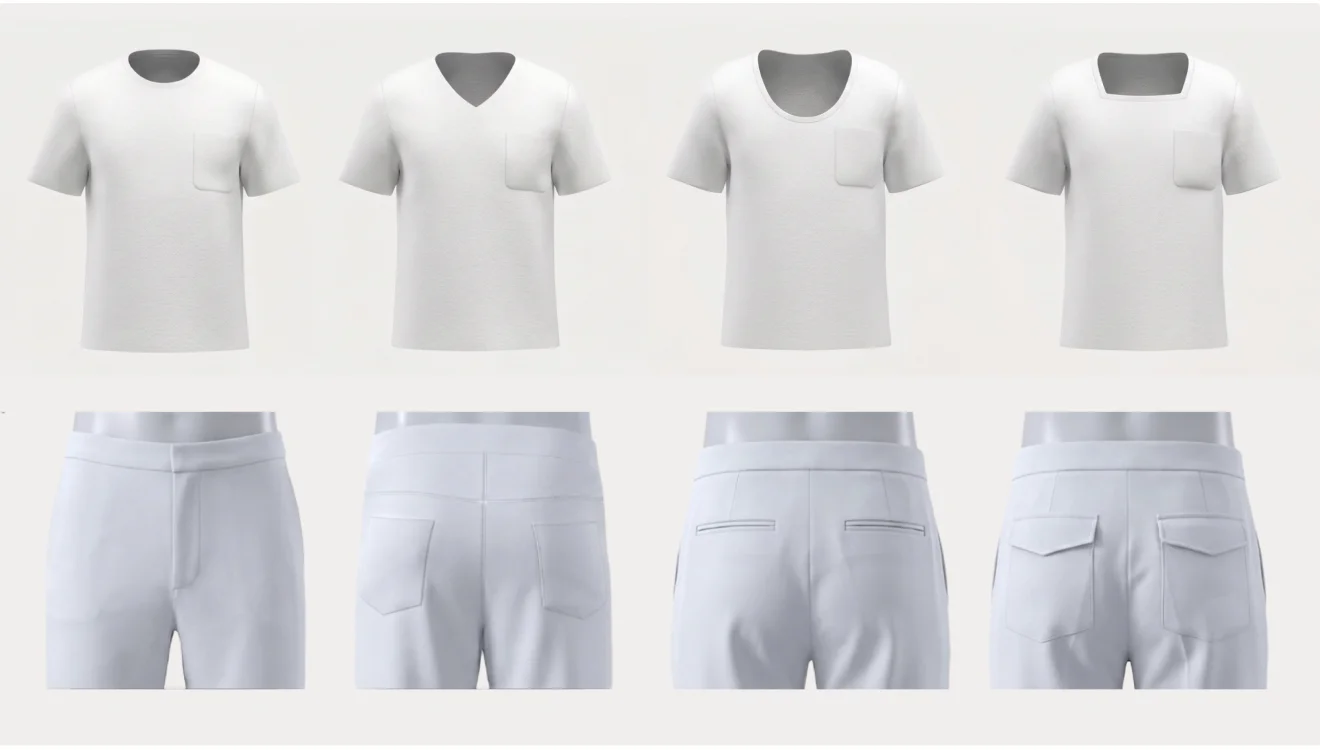
Draft parametric patterns based on your avatar's measurements, and expand your designs by adding detail blocks like pockets and hoods.
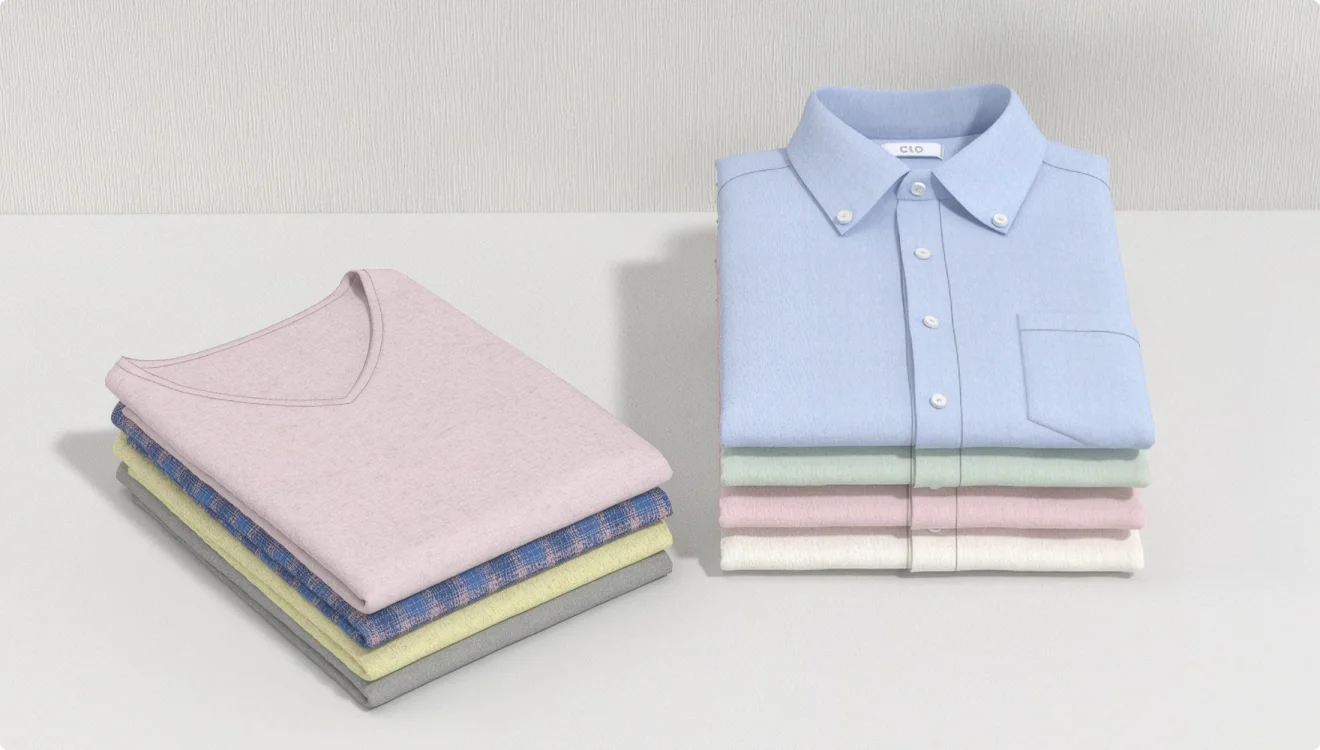
Automatically fold a 3D garment into the shape you want. Just set the fold line specifications.
Newly Released
CLO Software
Patch Notes
Update on October 7, 2026, ver2026.1.310
Fixed
- Fixed an issue that caused a crash when selecting zipper tapes or teeth in the UV Editor
- Fixed an issue that caused a crash when assigning patterns after creating blocks in Modular
- Fixed an issue that caused a crash when creating 3D Pen lines on avatars on PCs using AMD graphics cards
- Fixed an issue that caused a crash when rendering garments containing symmetric patterns made of quad mesh
- Fixed an issue that caused a crash when changing a zipper created on an archived pattern to two-way
- Fixed an issue that caused internal shapes to be generated flipped when tracing them from graphics
- Fixed an issue that caused annotations to overlap when importing DXF patterns with rotation applied
- Fixed an issue that caused some patterns to not appear when importing DXF files exported from CLO into external CAD programs
- Fixed an issue that caused internal lines created with Offset to appear distorted in other grading sizes
- Fixed an issue that caused pattern textures to be drawn up to incorrect lines when performing nesting with Shrinkage applied
- Fixed an issue that caused Tile settings for graphics to not apply during Final Render
- Fixed an issue that caused the Tile option applied to graphics to be disabled when changing grading sizes
- Fixed an issue that caused patterns to be obscured by graphics in the Grading Review (2D)
- Fixed an issue that caused garment file sizes to increase as baked images remained even after deleting colorways added via Color Switch
- Fixed an issue that caused mannequin asset avatars to float above the ground when changing poses
- Fixed an issue that caused POMs to not appear correctly when loading garments created and saved with Pattern Drafter
- Fixed an issue that caused incorrect results when rendering garments made of fabrics that use different maps for the Front and Back
- Fixed an issue that caused garments saved in archived state to appear deactivated when loaded in older versions
- Fixed an issue that caused zippers created on internal lines to not be created continuously across sewn patterns
- Fixed an issue that caused line lengths to not appear in the 3D window
- Fixed an issue that caused garments saved with puckering to fail to load in older versions
Update on August 27, 2026, ver2026.1.224
Fixed
- Fixed an issue that caused a crash during GPU simulation on older versions of macOS
- Fixed an issue that caused a crash when applying Seamline Rip to darts inside patterns
- Fixed an issue that caused avatars to deform when changing grading sizes after replacing the avatar
- Fixed an issue that caused avatars behind semi-transparent patterns to appear incorrectly when saving snapshots
- Fixed an issue that caused the Flip Normal feature to not work on some patterns converted to quad mesh
- Fixed an issue that caused seam allowance corner types to not apply symmetrically when changed on symmetric patterns
- Fixed an issue that caused Fray to not appear applied to patterns when playing recorded animations
- Fixed an issue that caused patterns and outlines to appear separated when entering the Print Layout mode on PCs using certain graphics cards
- Fixed an issue that caused notches created on seam allowances to not appear when saving snapshots as PDF
- Fixed an issue that caused the notch distance option to not work correctly when changed on patterns with grading applied
Update on August 13, 2026, ver2026.1.188
Fixed
- Fixed an issue that caused the program to close intermittently when using Undo/Redo in CLOFAB
- Fixed an issue that caused a crash when loading edited CSV files in POM
- Fixed an issue that caused a crash when changing the resolution of specific Substance materials
- Fixed an issue that caused a crash when creating patterns using the Flatten tool on specific avatars
- Fixed an issue that caused a crash when creating Set-In sleeves for T-shirts in Pattern Drafter
- Fixed an issue that caused some sewing lines to flip when creating Yoked types in Pattern Drafter
- Fixed an issue that caused garments containing trims with thin collision thickness to be simulated incorrectly.
- Fixed an issue that caused graphic positions to be reversed when exporting as PDF
- Fixed an issue that caused graphic positions to change when saving as PDF in Print Layout mode
- Fixed an issue that caused fabric normal maps to appear incorrectly in GPU rendering
- Fixed an issue that caused fabric roughness maps to appear incorrectly in GPU rendering
- Fixed an issue that caused tiled graphics to not appear correctly during rendering
- Fixed an issue that caused some image files to be deleted when saving snapshots with the same name
- Fixed an issue that caused seam allowance notches to appear in the incorrect position when loading DXF files
- Fixed an issue that caused some patterns to not be imported when loading DXF files
- Fixed an issue that caused notch grading to not appear correctly when applying RUL files
- Fixed an issue that caused the number of placed pieces in nesting information to not match across fabric tabs
- Fixed an issue that caused shirring on symmetric lines to not apply symmetrically
- Fixed an issue that caused axes to be changed when re-importing FBX files exported after modifying scale
- Fixed an issue that caused UV maps to be distorted when using the ‘Trace 2D Patterns from UV Map’ option during OBJ file import